
Documentation
Documentation, downloads and product status.
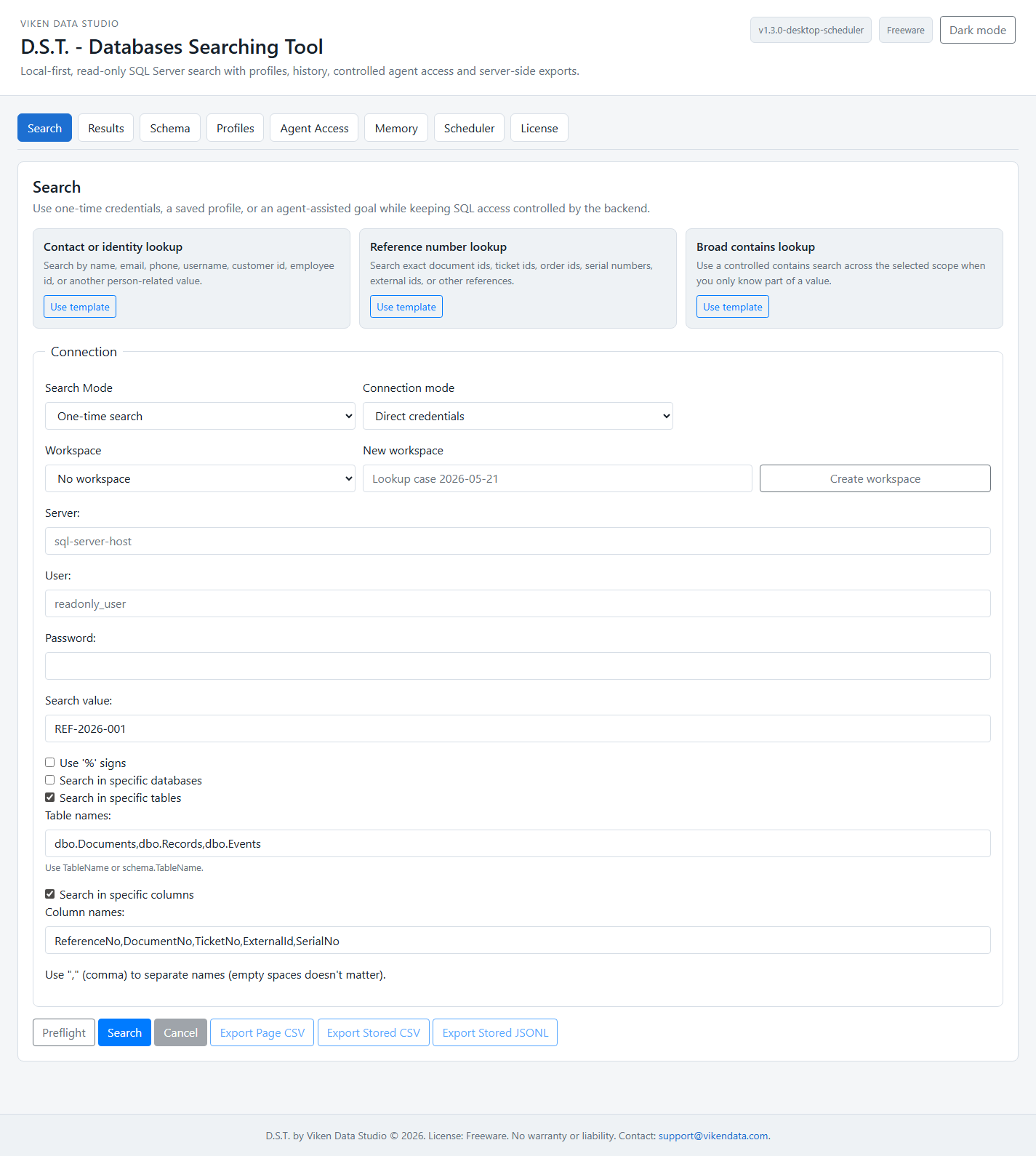
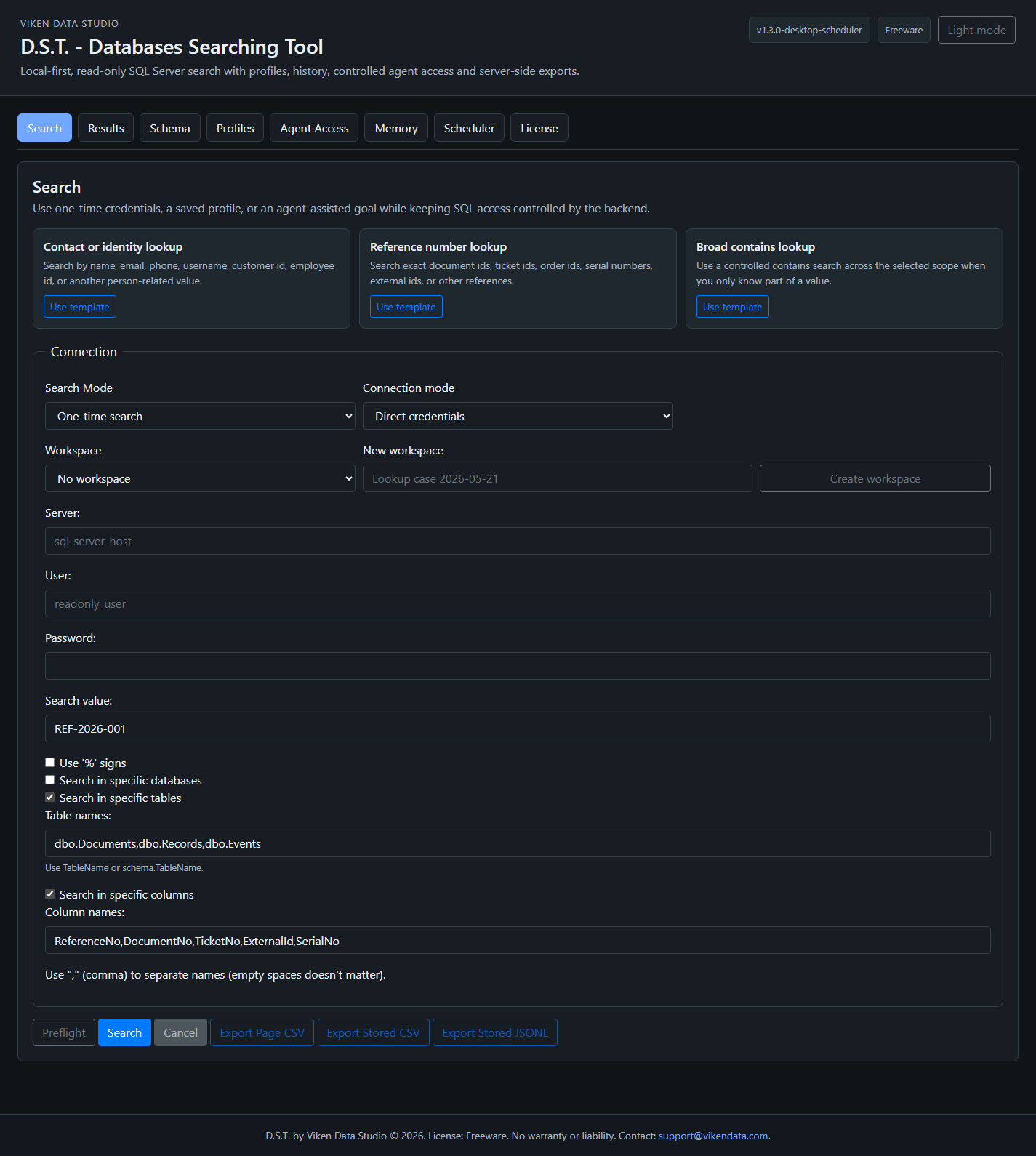
D.S.T. documentation is public and available online or as an offline HTML file. You can also download the current Windows package here. Web StaticOps is our working in-house system for building client sites, not a public software release.
Fast routes
Choose the resource that matches your task.
Choose the product page for an overview, the manual for setup details, or the offline file when the guide needs to travel with the package.
D.S.T. manual
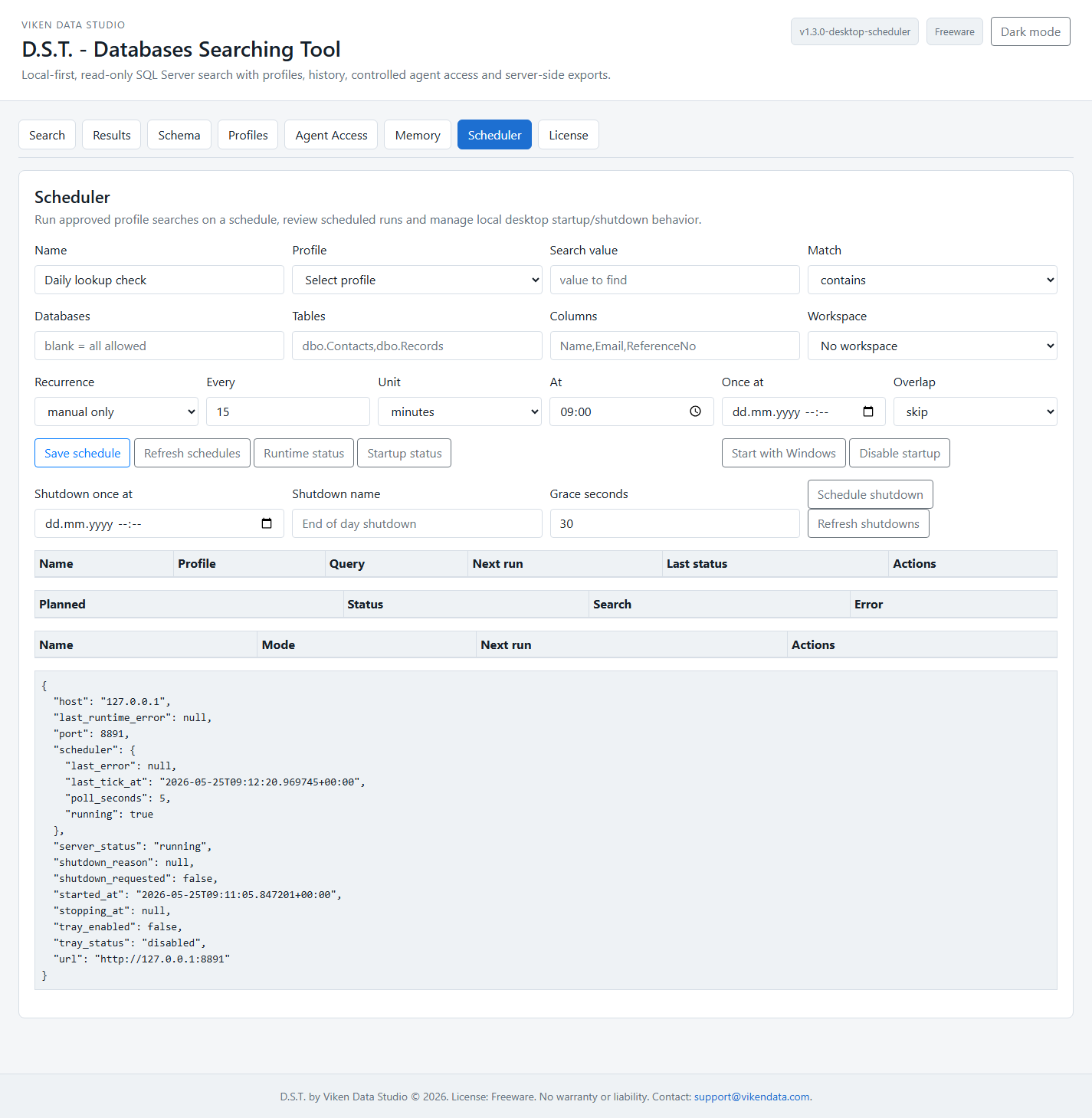
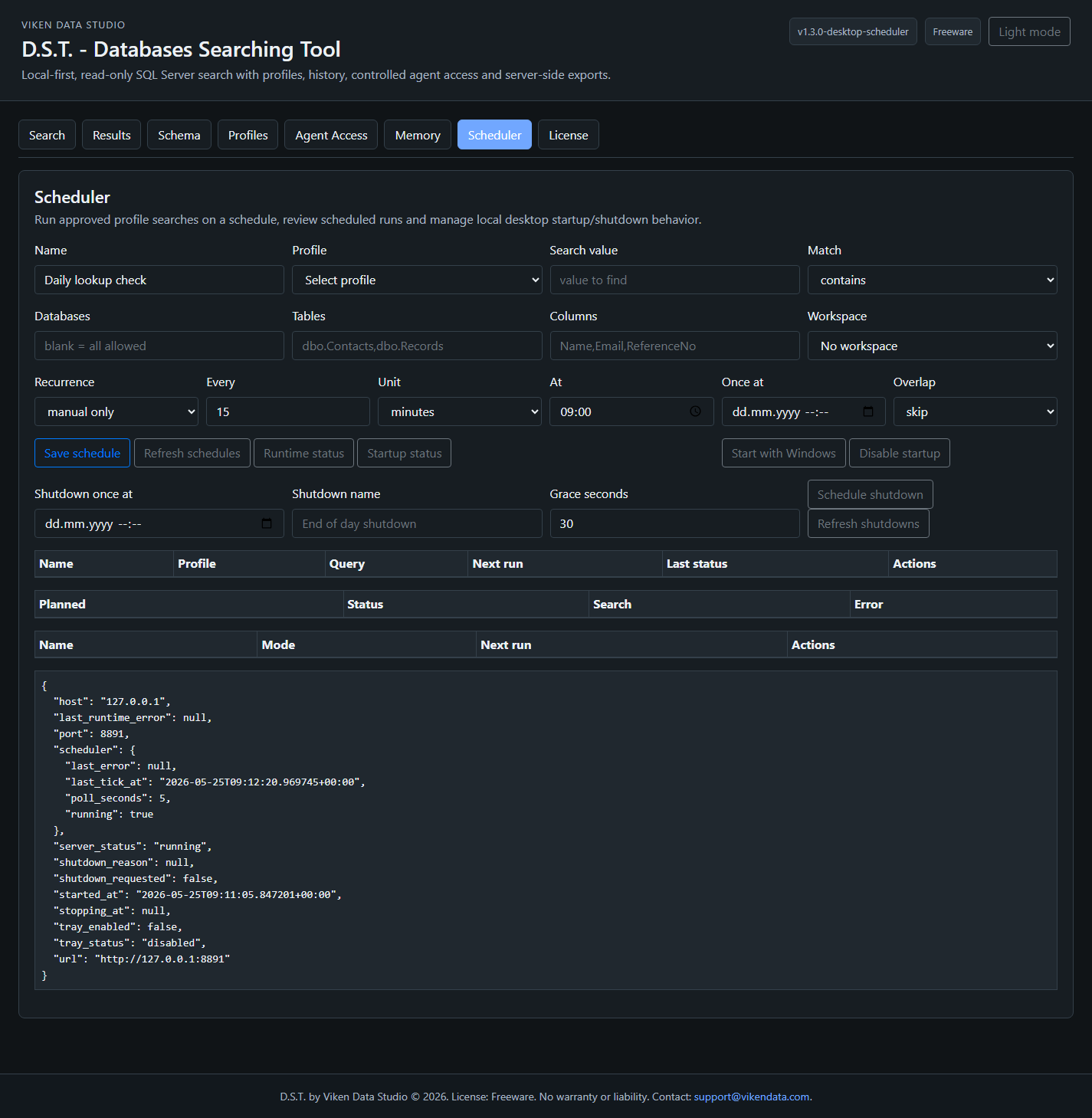
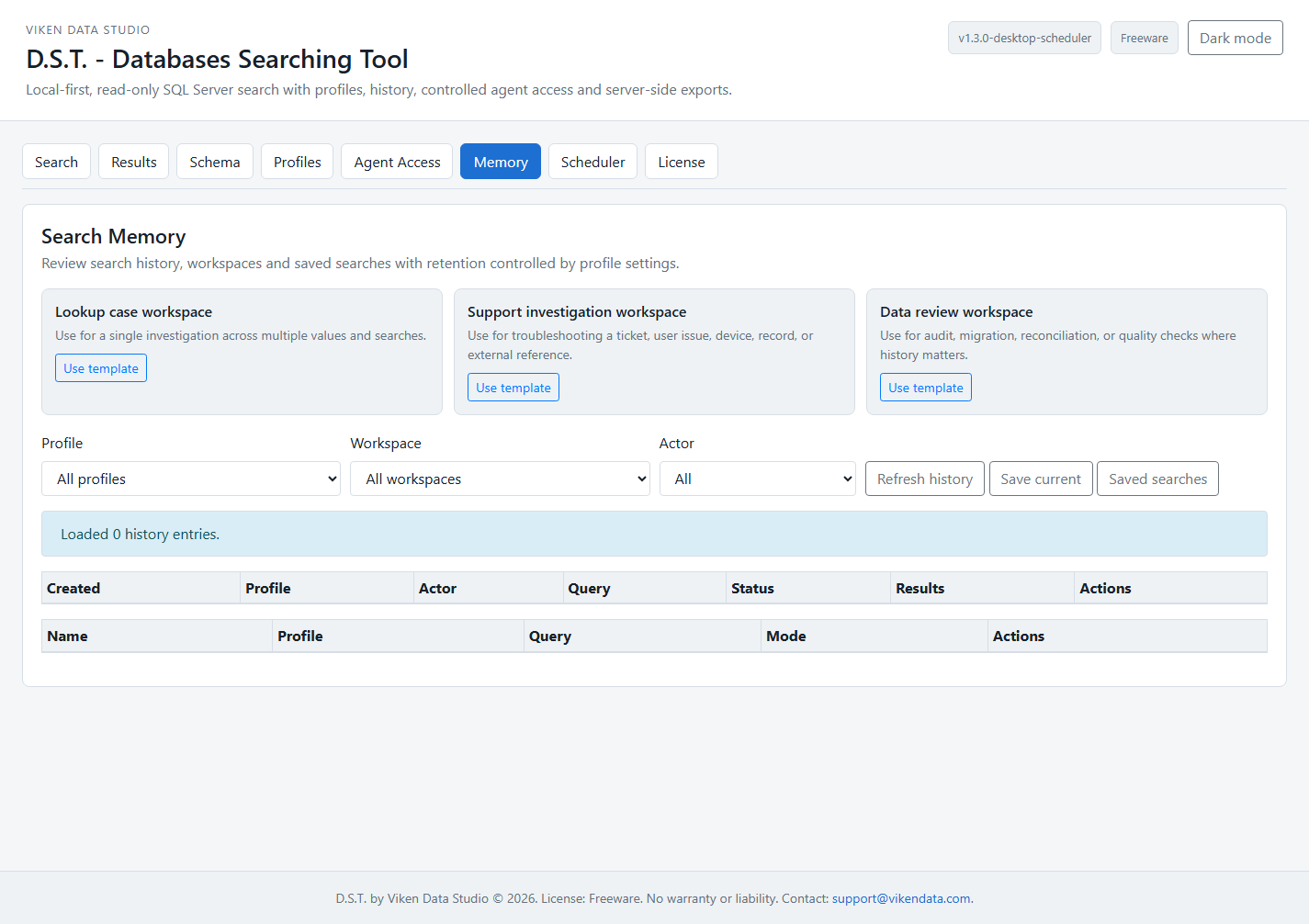
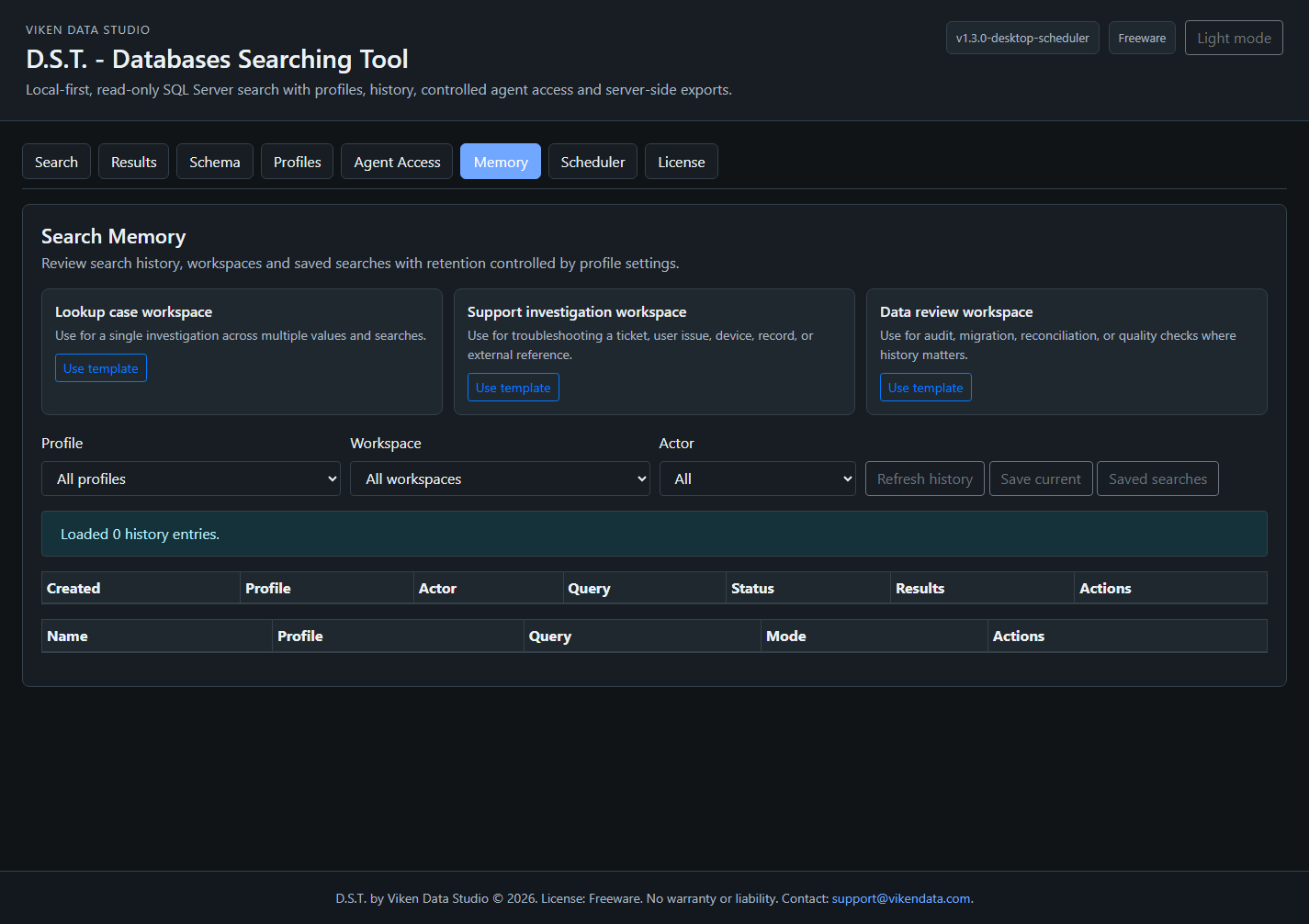
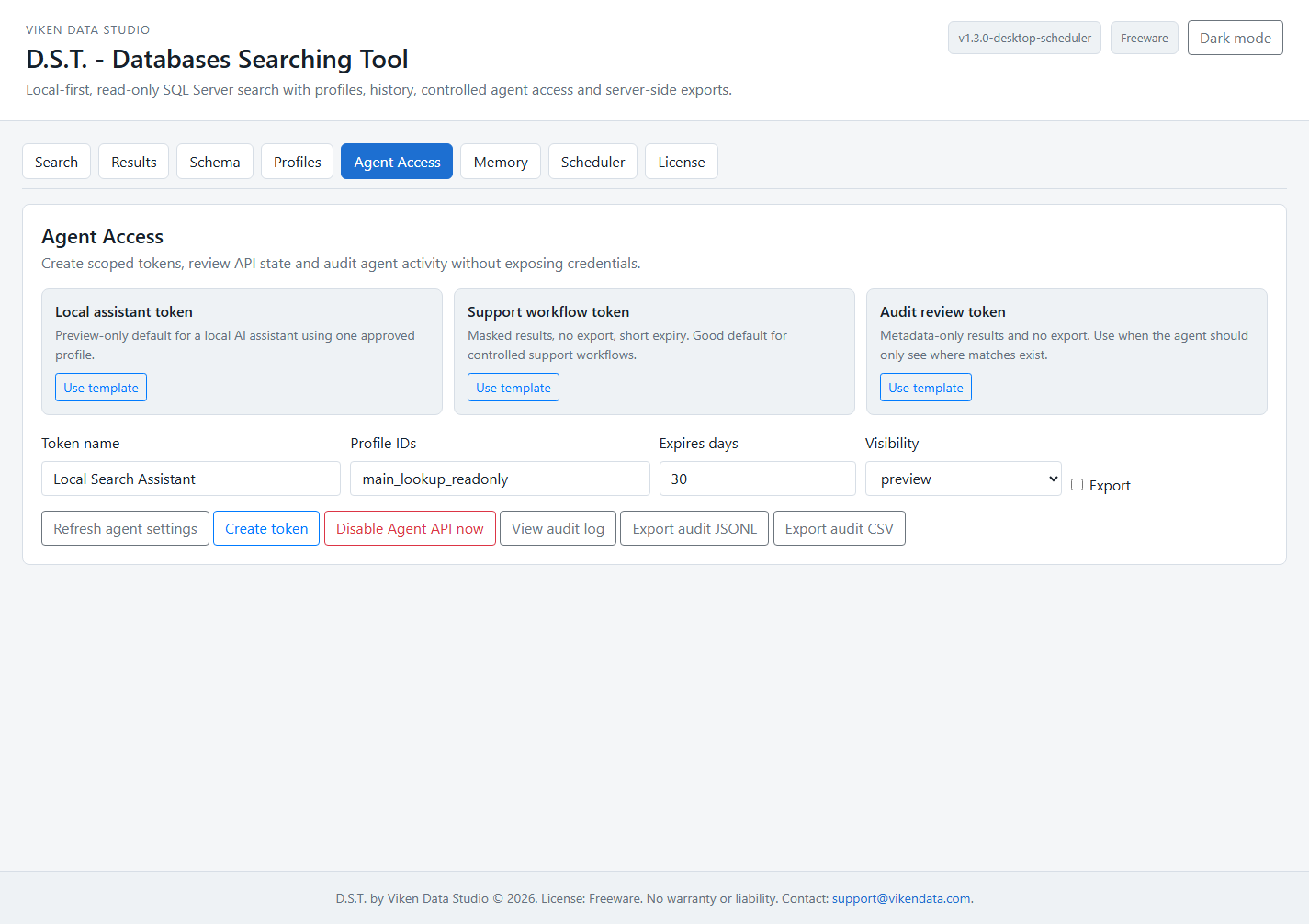
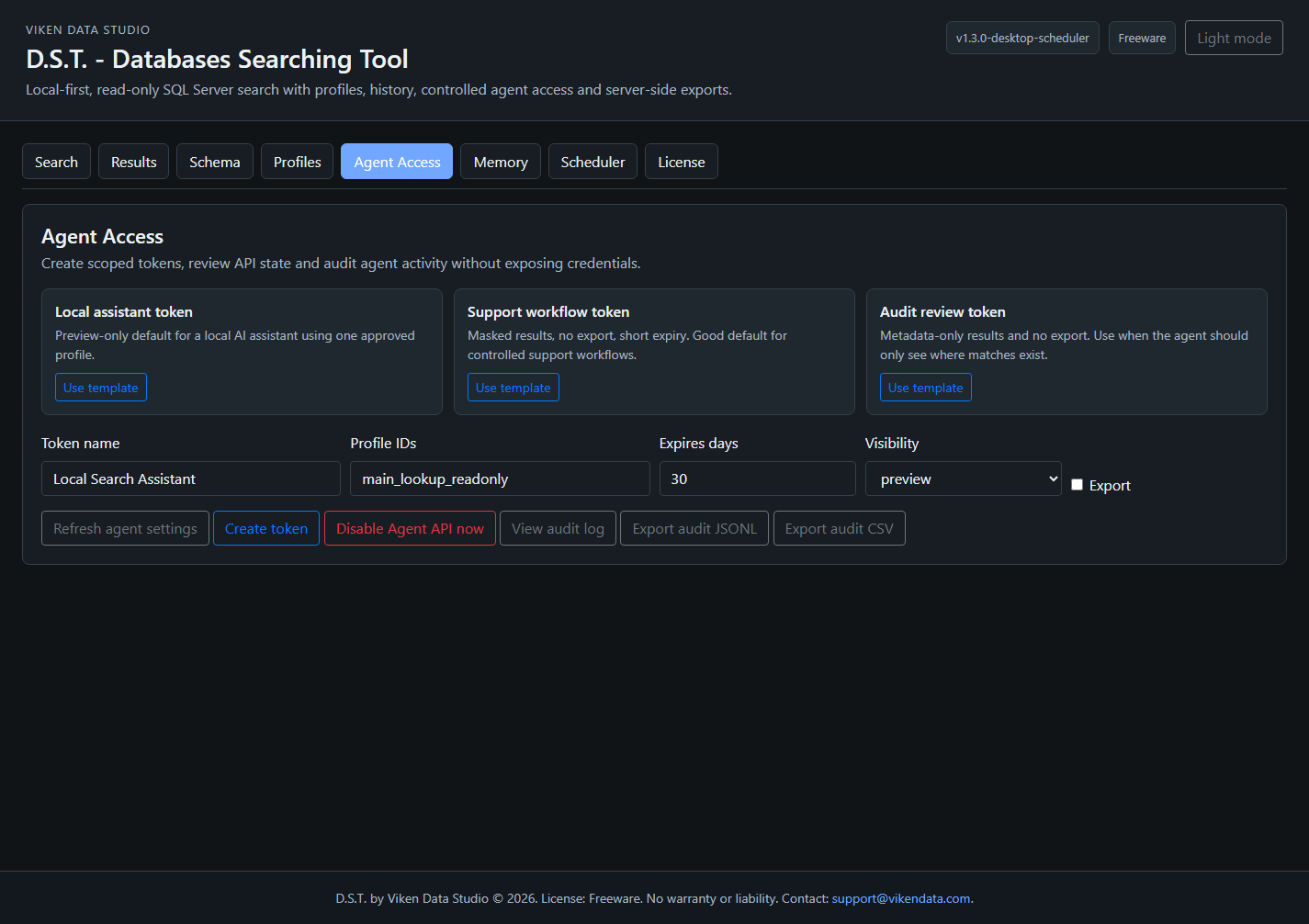
Setup, Search Profiles, scheduled searches, tray runtime, Search Memory, exports, Agent API access and troubleshooting.D.S.T. product page
Shorter decision view: what the tool does, what it avoids, screenshots, package status and support path.Offline handoff
Standalone HTML documentation for archives, internal sharing and release packages that need the guide beside the ZIP.Web StaticOps status
Web StaticOps is a working local-first static website system used by Viken Data. It is not sold as standalone software; the public overview explains both the system and our static-site service.Operator path
From lookup problem to repeatable workflow.
The manual is organized around the things an operator actually has to finish: define approved scopes, run the search, schedule repeat checks, keep memory where it helps, export results and expose only scoped information to agents.
Use order
Start with the part you need.
Read the overview, use the manual for setup, keep the offline guide with internal packages when useful, and contact support when something remains unclear.
1. Decide
Use the D.S.T. product page for scope, status, screenshots and ZIP access.
2. Configure
Use the online manual for profiles, scheduler, exports, tray runtime and Agent API setup.
3. Hand off
Use the offline HTML guide when the package needs to travel with internal notes.
4. Ask
Send the exact task when the missing part is profile design, access boundary or deployment support.
Support
Contact support for documentation or setup questions.
For help with profile design, scheduler setup, Agent API access, exports or internal handoff documentation, email support@vikendata.com with the product name and a description of the issue.